
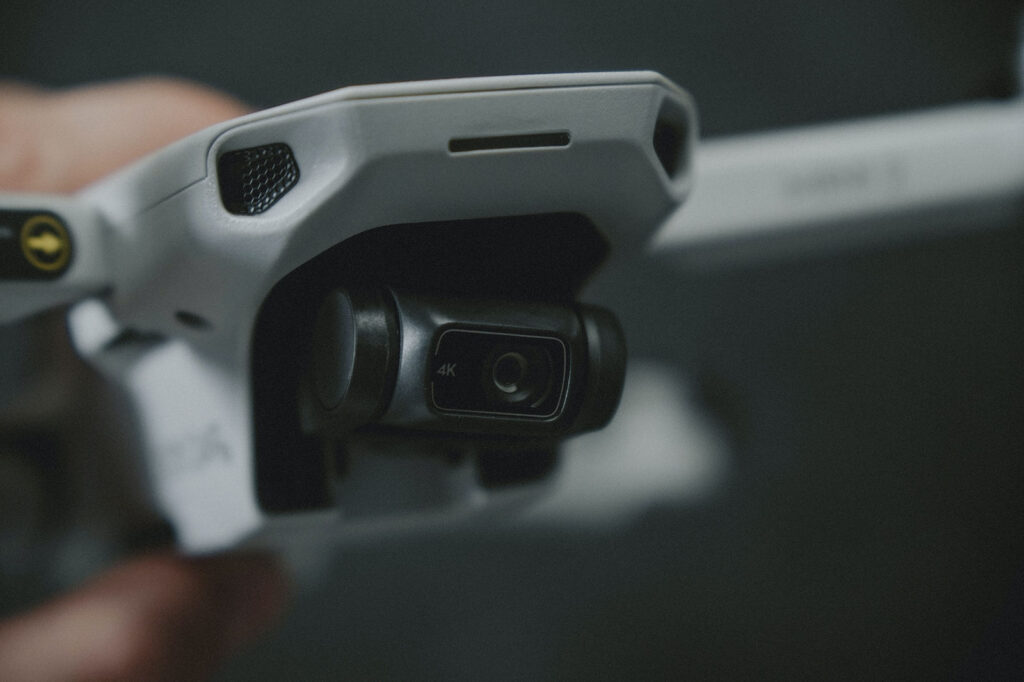
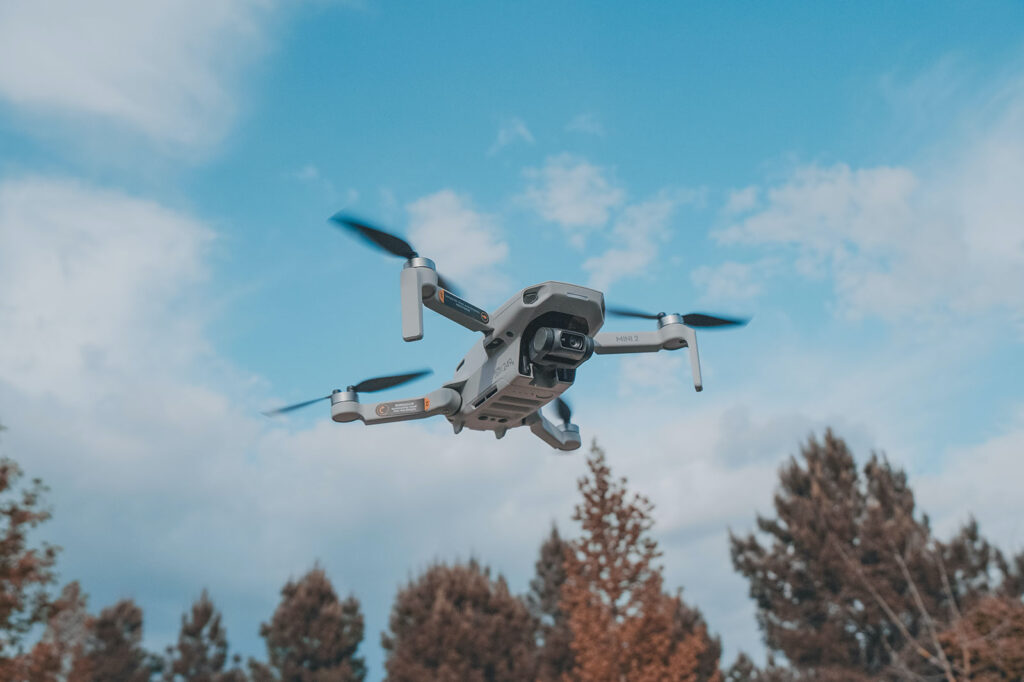
The DJI Mavic 2 Pro is one of the most advanced and powerful drones on the market. But with its release, came the release of the DJI Mini 2. It’s a smaller and lighter version of the Mavic Pro; perfect for people who want a drone that is portable and easy to carry around. But, just like the Mavic 2 Pro, the DJI Mini 2 is packed with features. I decided to put together a Quick Start Guide for the DJI Mini 2 because I couldn’t find any out there.
Do not forget to read the drone deals section of this website if you are looking for the best prices for this drone and others.
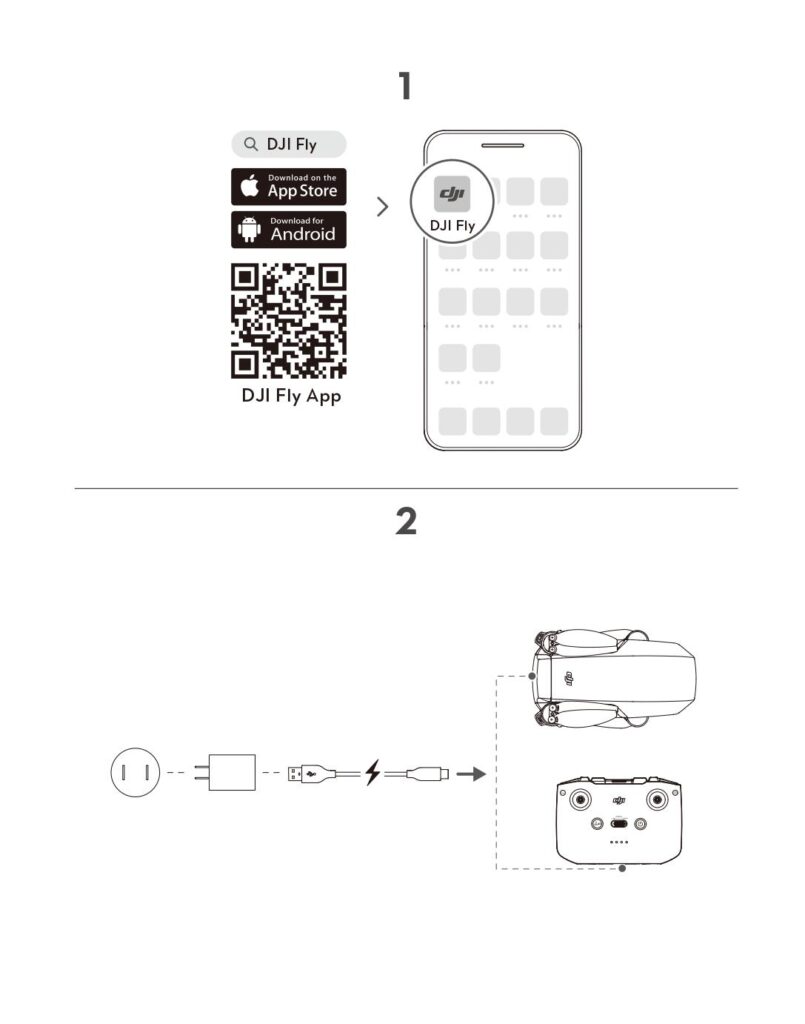
- Download DJI Fly App:
- Charge aircraft with the included USB cable and charging block.
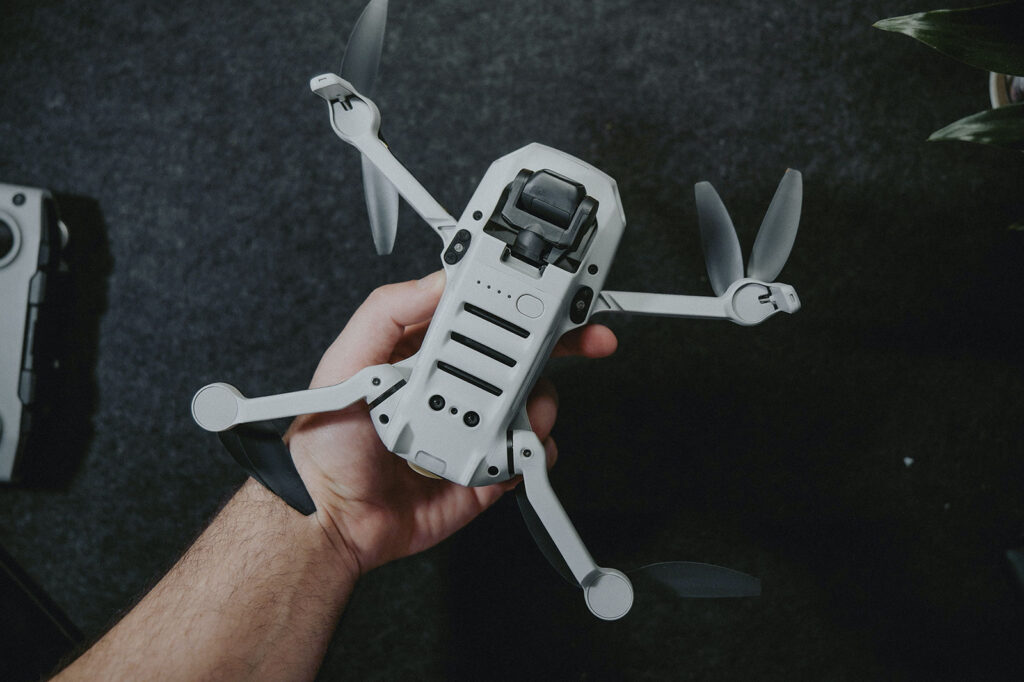
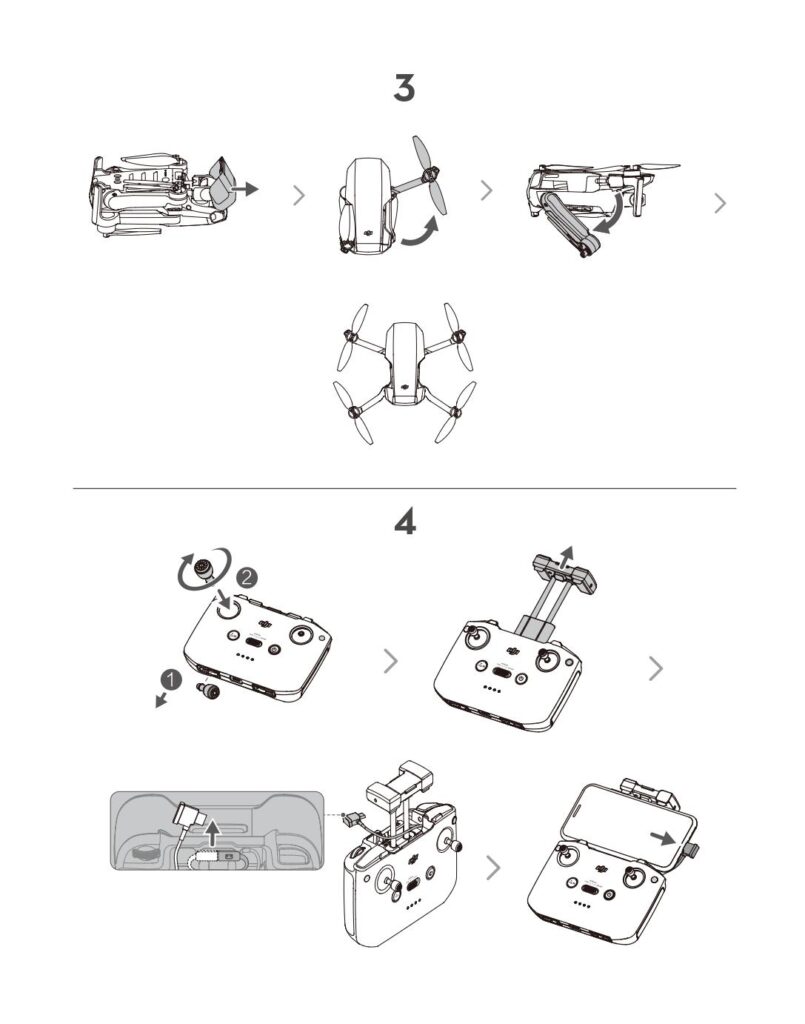
- Remove Gimbal Protector and unfold wings.
- Attach controller joysticks, plug in device USB-C or Lightning cable (depending on device) and extend controller holder and insert smartphone.
- Check battery and power on.
- Press once on battery button.
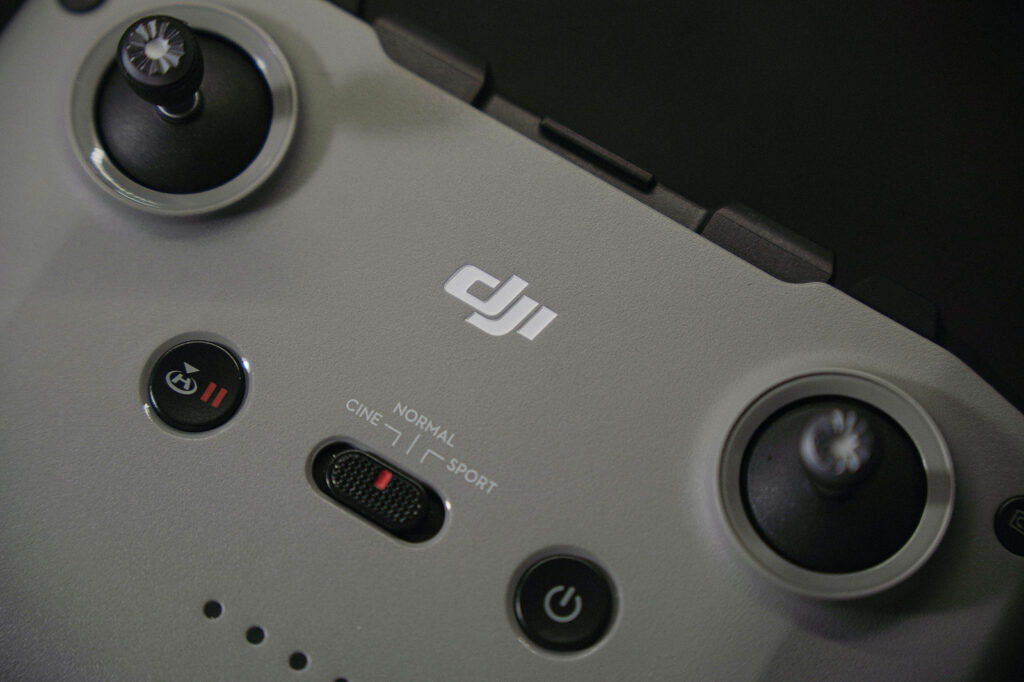
- Controller Power on/off: Press power button, then press and hold to power on controller.
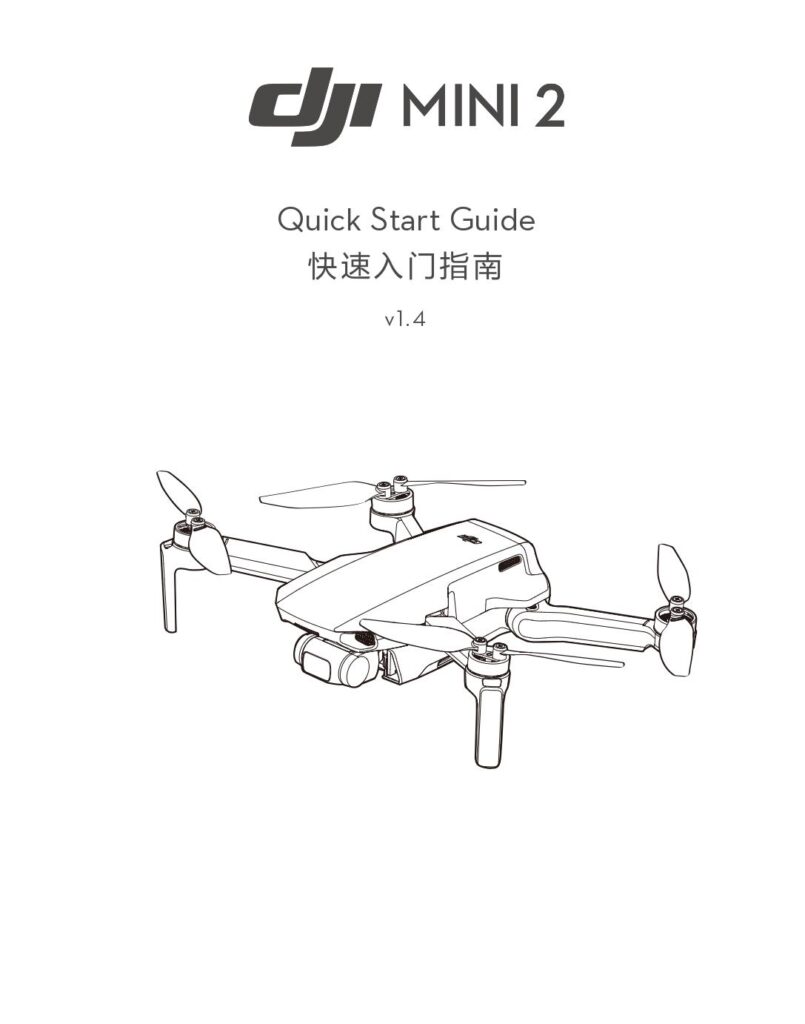
Quick Start Guide
1&2. Download DJI Fly App
3&4. Remove Gimbal Guard & Unfold Wings
5. Power On Aircraft & Controller
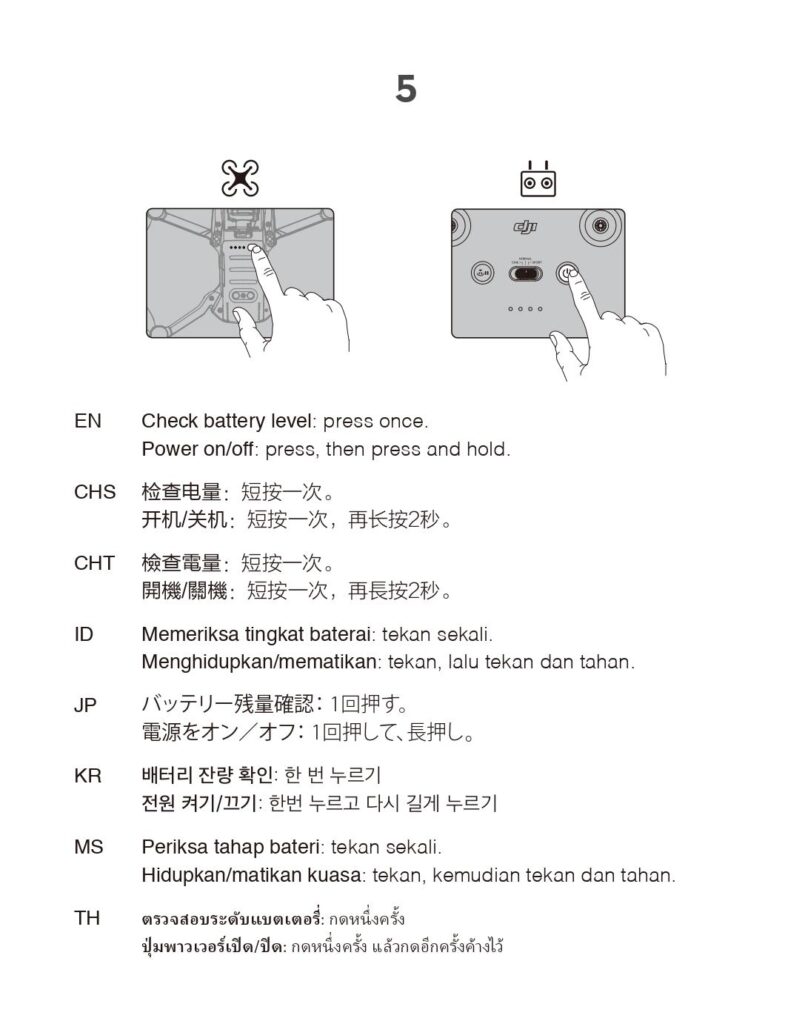
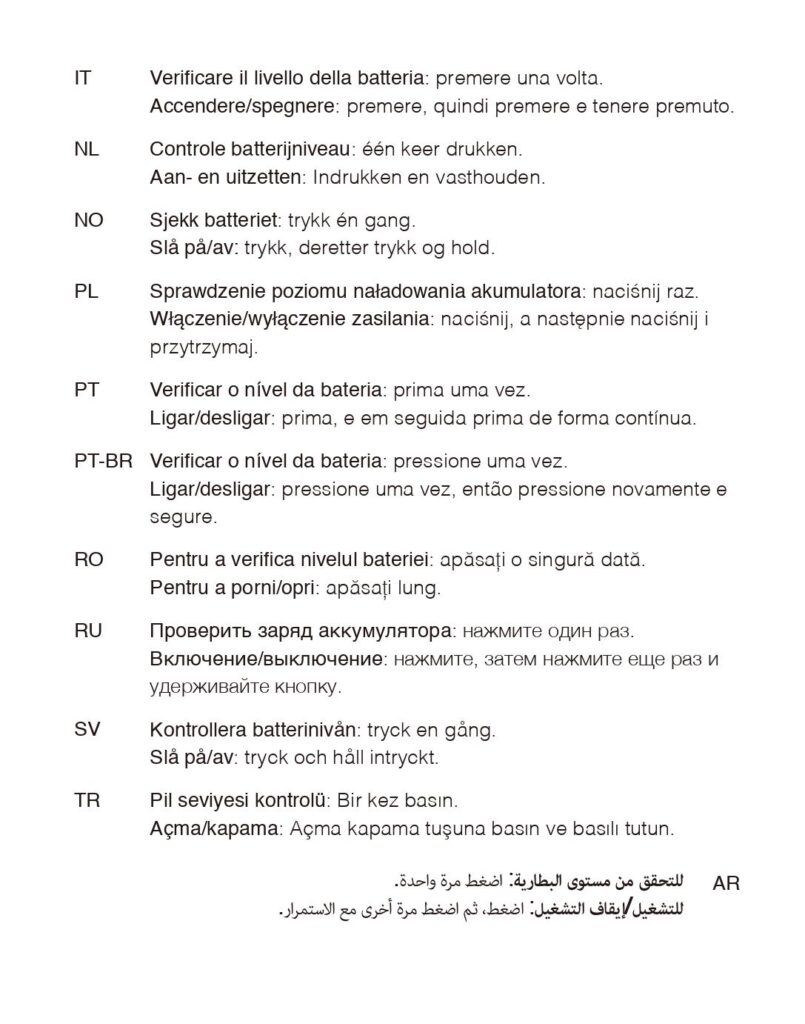
EN: Check battery level: press once.
Power on/off: press, then press and hold.
5. Power On Aircraft & Controller (Continued)
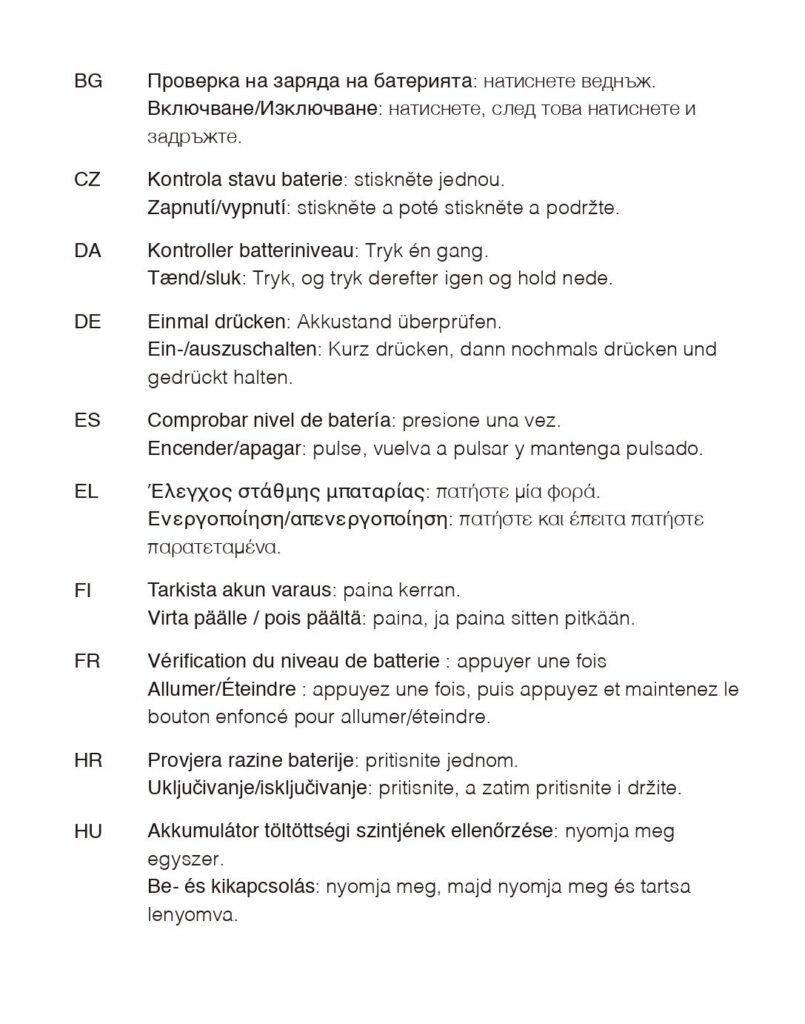
5. Power On Aircraft & Controller (Continued)
6. Launching the Drone
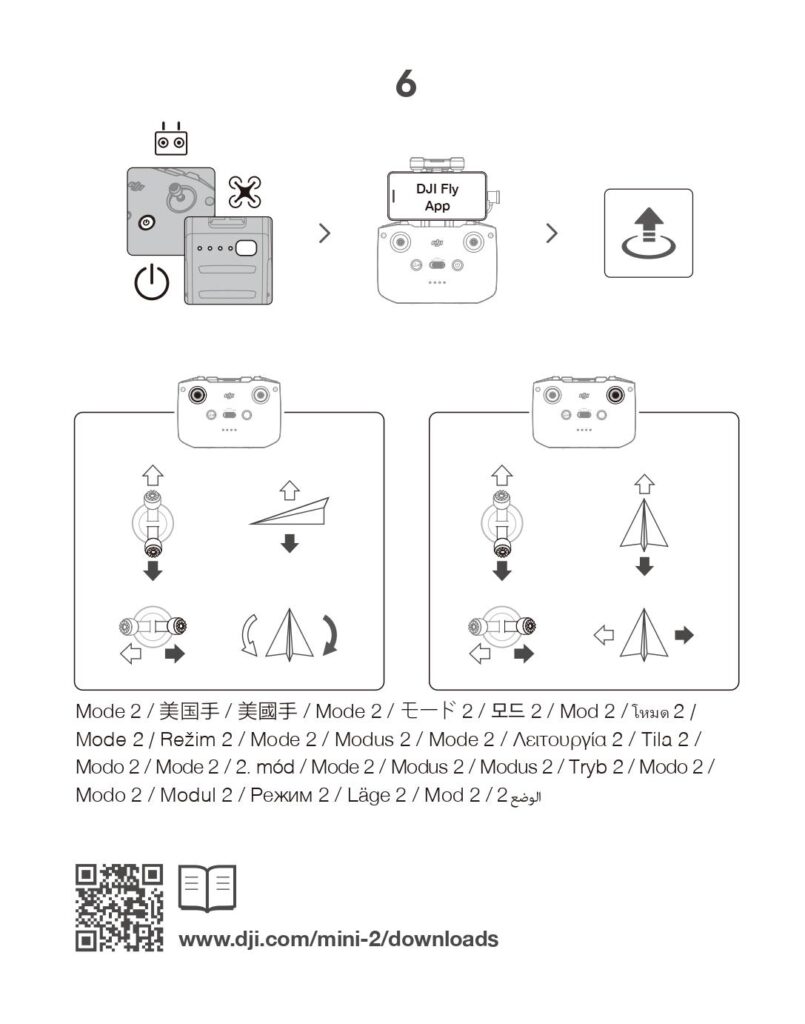
https://www.dji.com/mini-2/downloads
More Information
This DJI Mini 2 Quick Start is certainly not a comprehensive look at this aerial camera drone, but hopefully a good starting point for those who want to buy a drone for under $450. If you have any questions, please feel free to contact me at any time using the contact form below. I’d love to hear from you!